
Share files outside the organization, from inside Microsoft 365.
Every file type, from a contract draft to a 3D design file, goes to partners who sign in with their own company login, with no guest account to create.









Tools for sharing outside the
organization have piled up
Most enterprises never chose one way to reach the outside world. They accumulated several. A file-sharing service bought for one project, a secure email gateway added after an audit, a file transfer system that someone still maintains. Each solved a problem on its own. None were built to work together, and the cost for all of them climbs every year.

One secure fabric for everything shared outside the organization
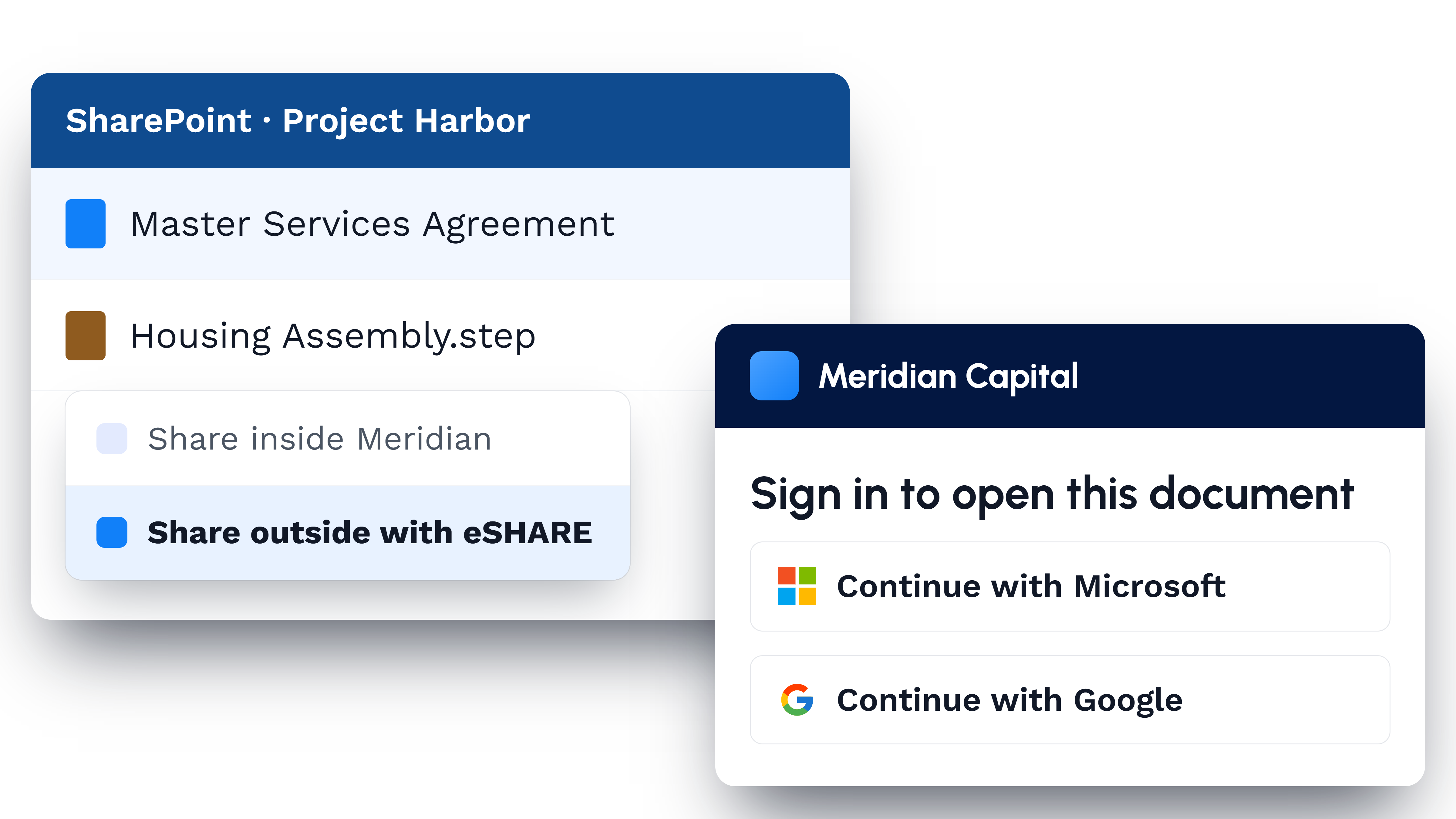
eSHARE gives people a common means to share outside the organization, and sits inside Microsoft 365 rather than beside it. Someone shares from Outlook, Teams, or SharePoint, where they already work. The partner opens a portal carrying the organization's own brand and signs in with their own company login. Nobody creates a guest account, nobody raises a ticket, and no copy is left forgotten outside the tenant.

Share any file; edit Office and PDF files or annotate a 3D CAD (computer-aided design) model in the browser, without downloading a copy.

Send a document out, have the other side fill it in and sign it, and keep a verifiable record of who signed what.

Secure a sensitive email and its attachments, sent directly from Outlook.

Stand up a secure data room for a high-stakes exchange, where many documents and outside parties work under one set of rules.
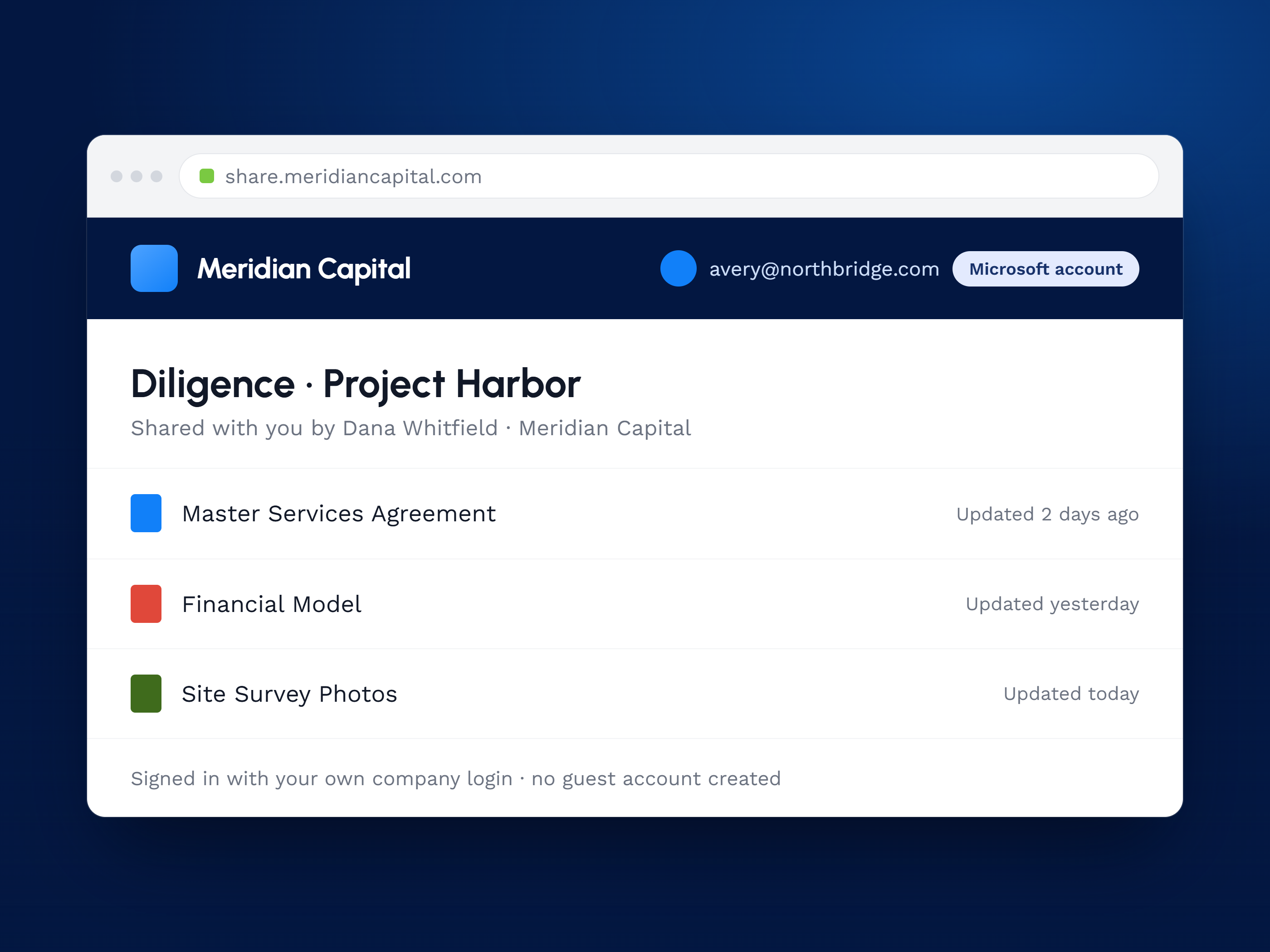
Your brand, not ours
Partners open a portal carrying your organization's brand and sign in with their own company login. No guest account, no eSHARE logo in sight.
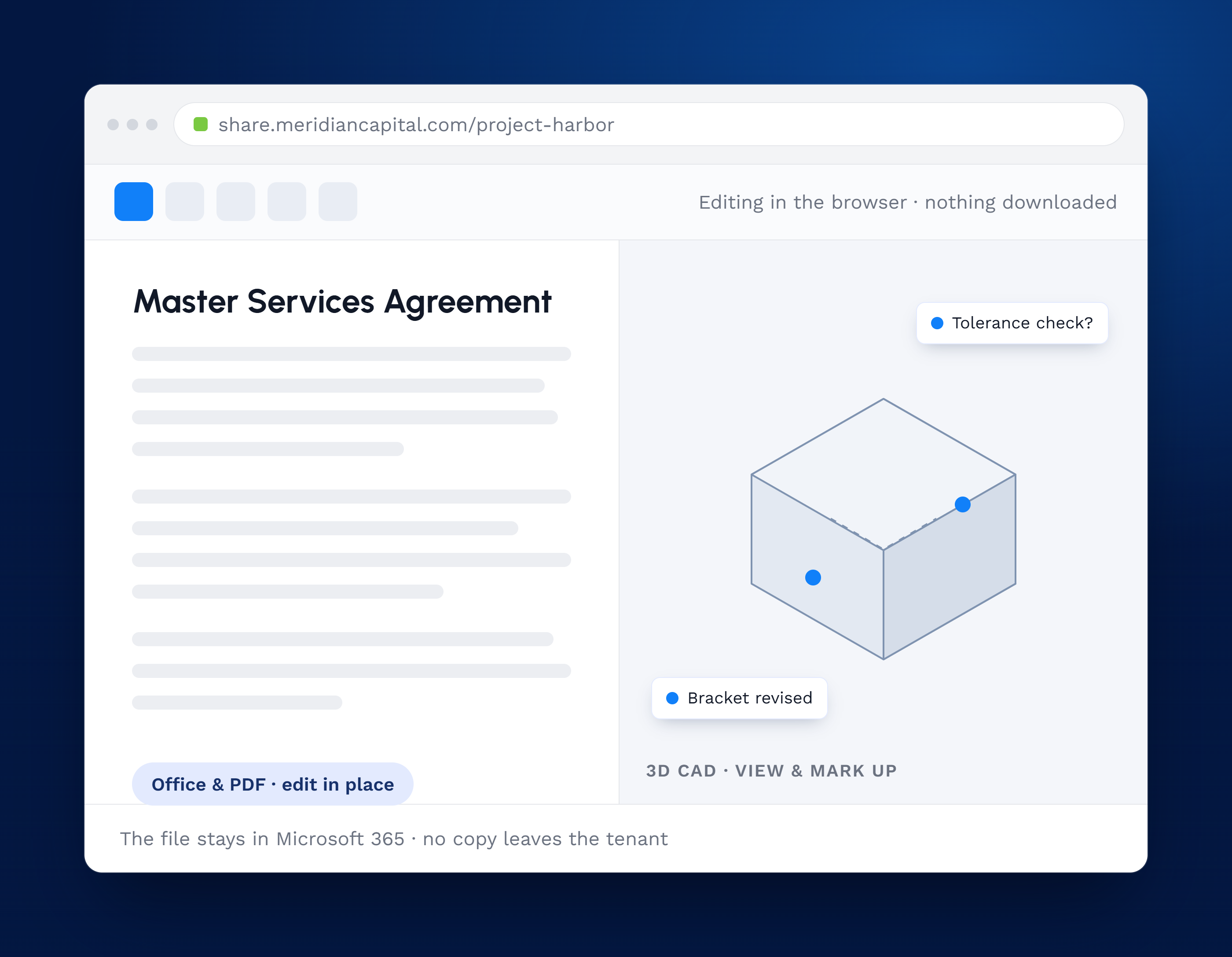
Work on the file, not a copy
Edit Office and PDF files or mark up a 3D CAD model directly in the browser. No copy ever leaves the tenant.
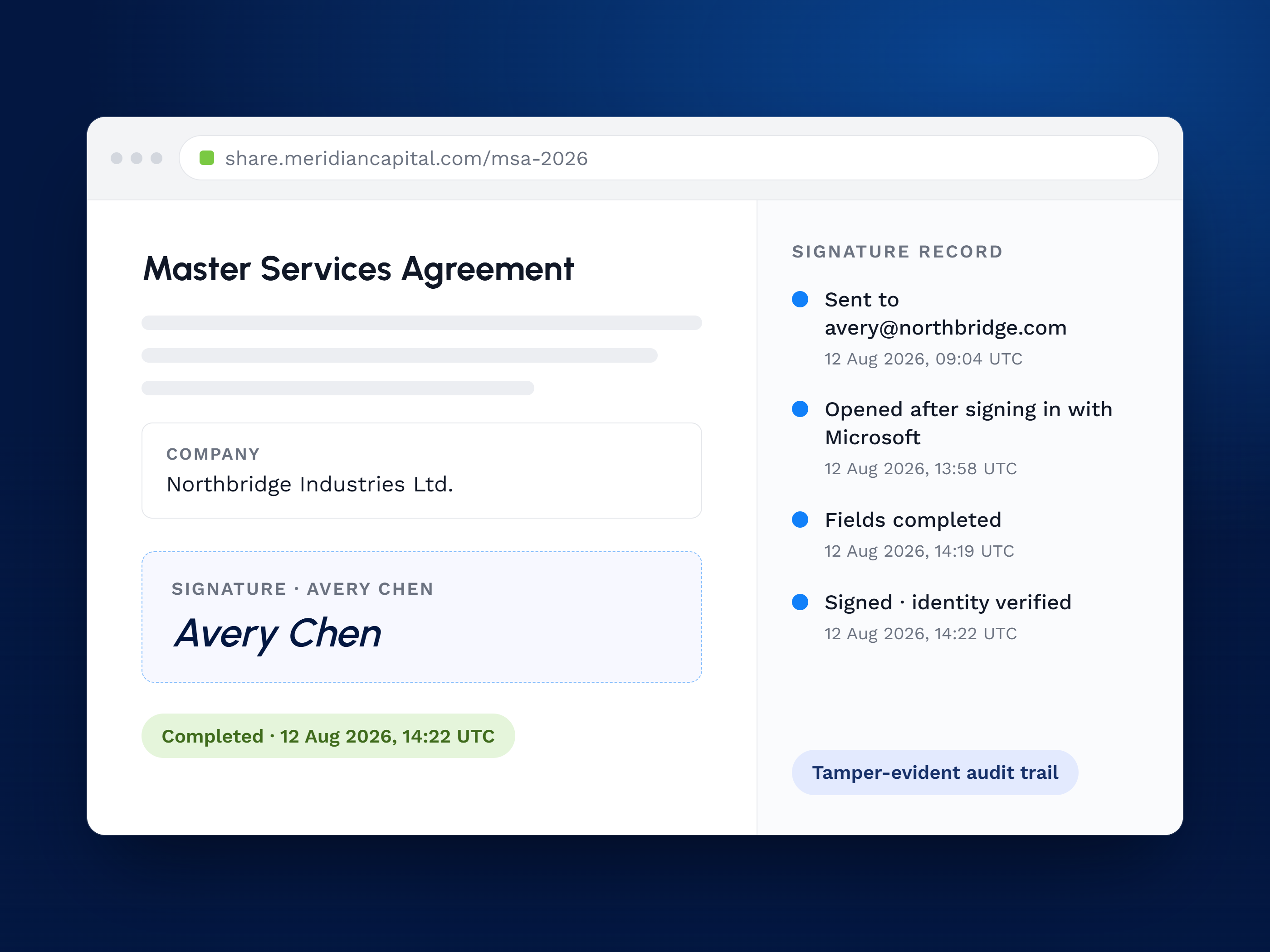
Signed, sealed, verifiable
Send a document out, have the other side fill it in and sign it, and keep a verifiable record of who signed what.
Success in Their Own Words

"eSHARE's seamless integration with our DLP policies and Microsoft 365 ensures that our data is protected at all times, offering peace of mind with every shared file."

"eSHARE simplified and improved the quality of our data collection process. It’s modern and simple UX allowed us to quickly implement and secure our partnerships with our suppliers and continue to innovate our Digital Supply Chain Solutions."

"Collaboration possibilities are virtually limitless. Policies are customizable and straightforward. Portal customization makes integration with our own design guidelines easy. Technical support was always agile and even reported bugs were usually fixed within hours."
Four Products, One Secure
Collaboration Fabric





FAQs
External partners authenticate with their own company credentials, so IT avoids guest-account management while security and control stay intact.
Users can initiate secure external sharing directly from Teams, SharePoint, or Outlook, without changing familiar workflows.
Office documents and PDFs can be edited in the browser. A 3D CAD model can be viewed and marked up, but not edited. Either way, no copy is downloaded.
Yes. Send a document out, have the other side fill it in and sign it, and eSHARE keeps a verifiable record of who signed what.
Yes. Stand up a secure data room for the whole exchange, so every document and every party works under one set of rules.
