

Suppliers get a complete 3D analysis environment. The file stays in your Microsoft 365 tenant.
eSHARE 3D CAD Viewer is available in the eSHARE M365 App (Teams and SharePoint) and the Collaboration Web Portal. For organizations operating under CMMC, ITAR, or EAR, every supplier interaction is captured in a verifiable audit trail with no uncontrolled copies created.
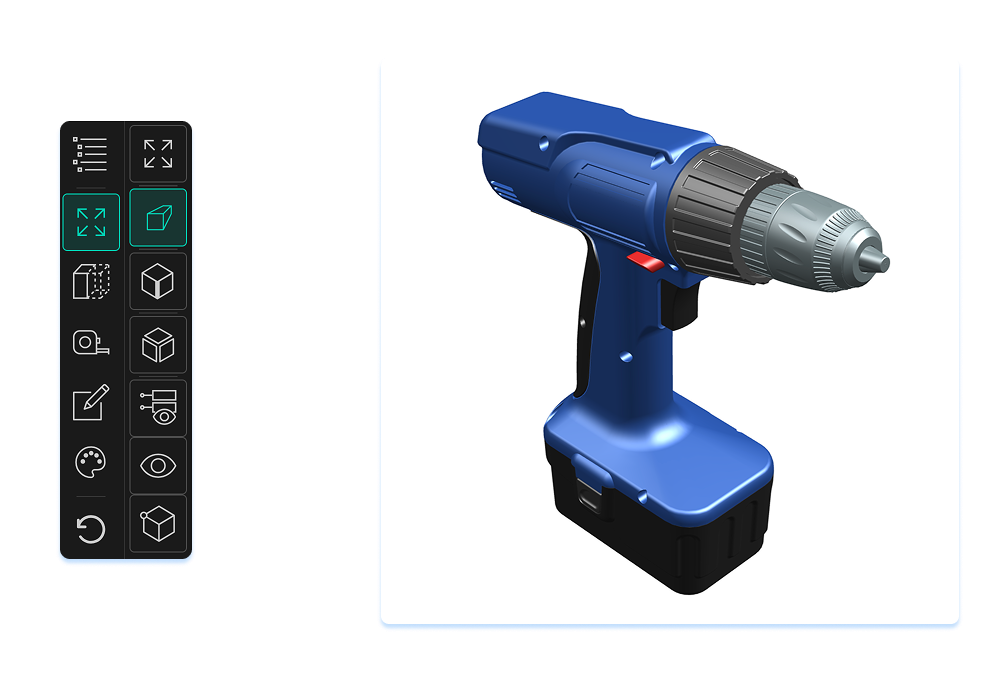
Pan, zoom, and rotate the model directly in the browser. Suppliers work with the full geometry, not a degraded export or a static rendering.
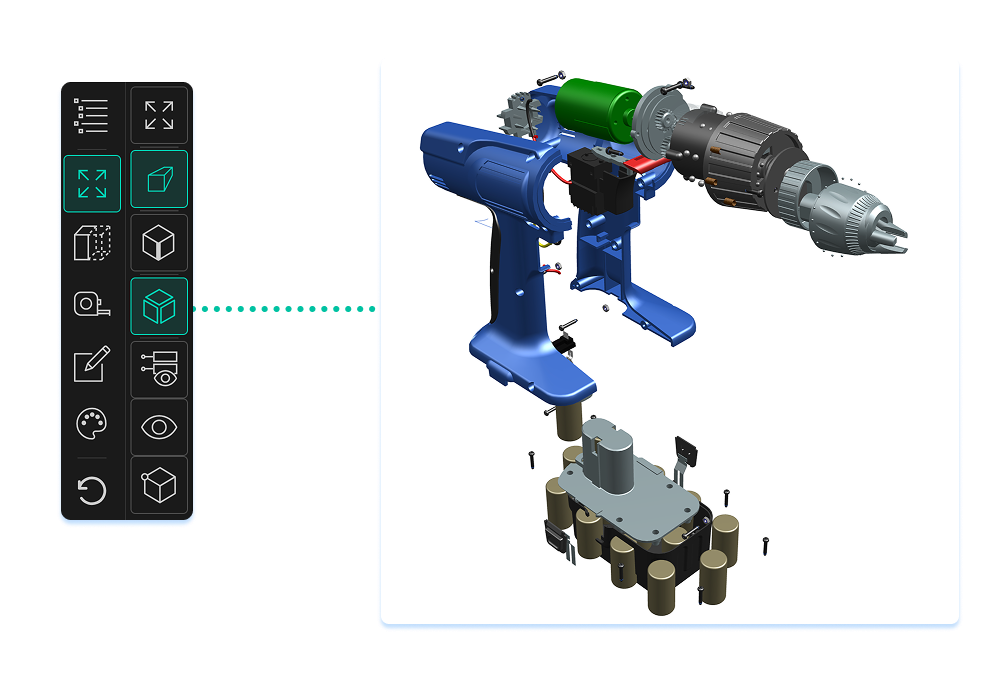
Decompose complex assemblies to inspect individual components and understand part relationships, all without receiving a copy of the file.
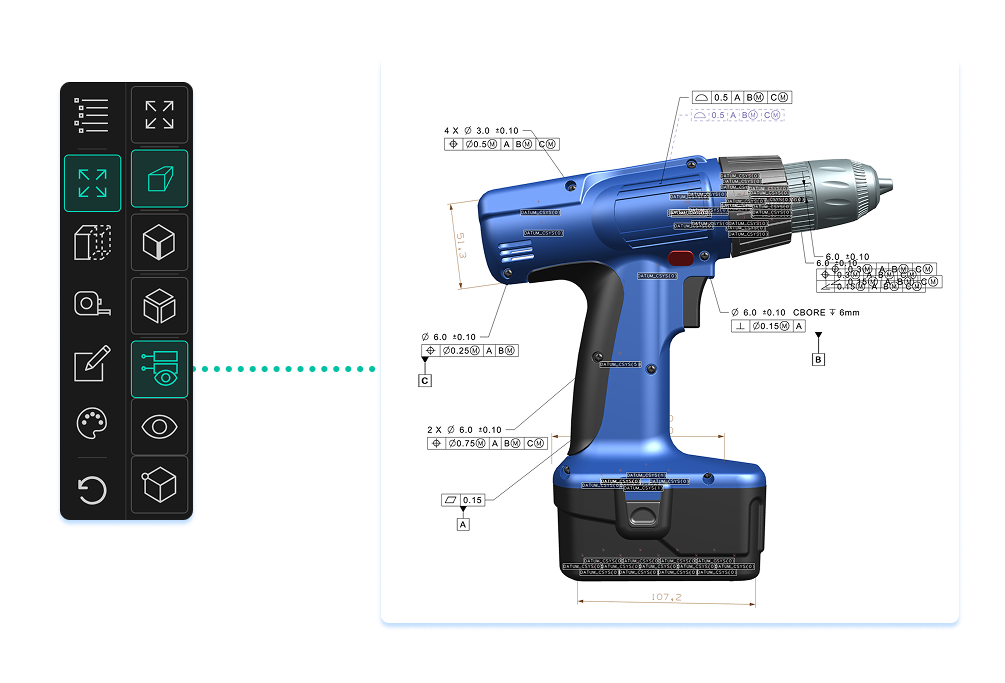
Product Manufacturing Information to view tolerances, annotations, and specifications. Measure geometry directly in the viewer. No CAD tool required.



Governance woven natively into Microsoft 365, across every share, every channel, and every external relationship.
eSHARE 3D CAD Viewer currently supports JT files, the native format for Siemens NX. Support for additional CAD formats is planned. Contact the eSHARE team to discuss format requirements for your organization.
No. Suppliers access the 3D model through a secure browser link — no CAD software, no plugins, and no file downloads required. The full analysis environment, including assembly explode view, PMI, and measurement tools, is delivered entirely in the browser.
Because the CAD file never leaves the organization's Microsoft 365 tenant, there are no uncontrolled copies created during supplier collaboration. Every access event is captured in a complete audit log, and secure links can be revoked at any time. This gives compliance teams a verifiable record of who accessed which files and when — without relying on email trails or manual tracking.
eSHARE 3D CAD Viewer is available now for JT files (Siemens NX), with additional formats planned. Contact the eSHARE team to see it in action.


