
Every M365 link shared in Teams becomes a Trusted Share, enforcing policy and protecting every file interaction.


Microsoft Teams was designed for internal collaboration. External file exchange happens through workarounds, leaving M365 security investments only partially applied to the channel users rely on most.

To keep collaboration moving, users default to public links or invite external participants as guest accounts. Both expand the attack surface and create blind spots that security teams cannot consistently control or revoke.

When users need to share a file with someone outside the organization, they leave Microsoft Teams for email. The conversation context is lost, the file lives outside the M365 tenant, and the audit trail goes dark.
Trusted Shares created automatically when files are shared in Microsoft Teams chats and meetings.
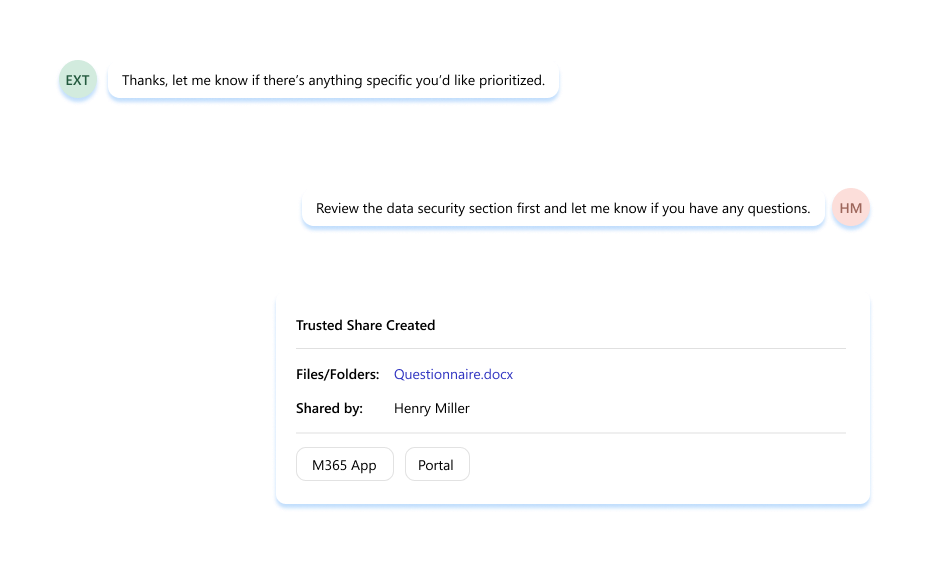
SharePoint and OneDrive files are shared directly inside Microsoft Teams chats and meetings. Conversation context stays intact, the file stays in the M365 tenant, and the workflow stays where the team is already working.
Block Quote
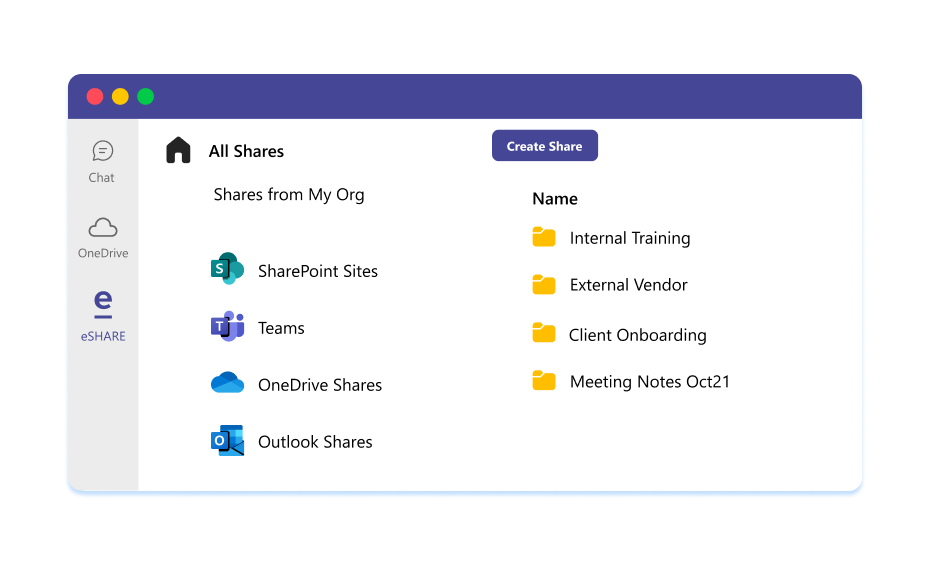
Every external file shared in Teams is logged through the same audit fabric as the rest of M365. The blind spots that came with email-based and link-based workarounds close.
Block Quote
Governance woven natively into Microsoft 365, across every share, every channel, and every external relationship.
It extends eSHARE’s Trusted Collaboration Fabric to Teams chats and meetings by automatically converting native Microsoft 365 links into Trusted Shares when external participants are present - so secure access works without leaving Teams.
Paste a native M365 link in a chat with an external participant. eSHARE detects it, creates a Trusted Share, and posts secure access links to the thread. Additional links in the same chat are added to the existing share, and you can convert links in older messages using “Convert Links.”
It works in 1:1 chats, group chats, and meeting chats.
No. Files remain in your Microsoft 365 tenant. Trusted Sharing enforces your organization’s governance and preserves visibility and control.
Yes. The Trusted Share provides assured access for external participants while respecting your organization’s security and compliance controls.
SCG converts email attachments and native links into Trusted Shares in the email flow. eSHARE Trusted Sharing for Microsoft Teams brings the same outcome to Teams chats and meeting chats, so you don’t have to switch to email.
Schedule a conversation to explore how eSHARE Trusted Sharing eliminates friction and keeps external collaboration inside the tools you're already using.


